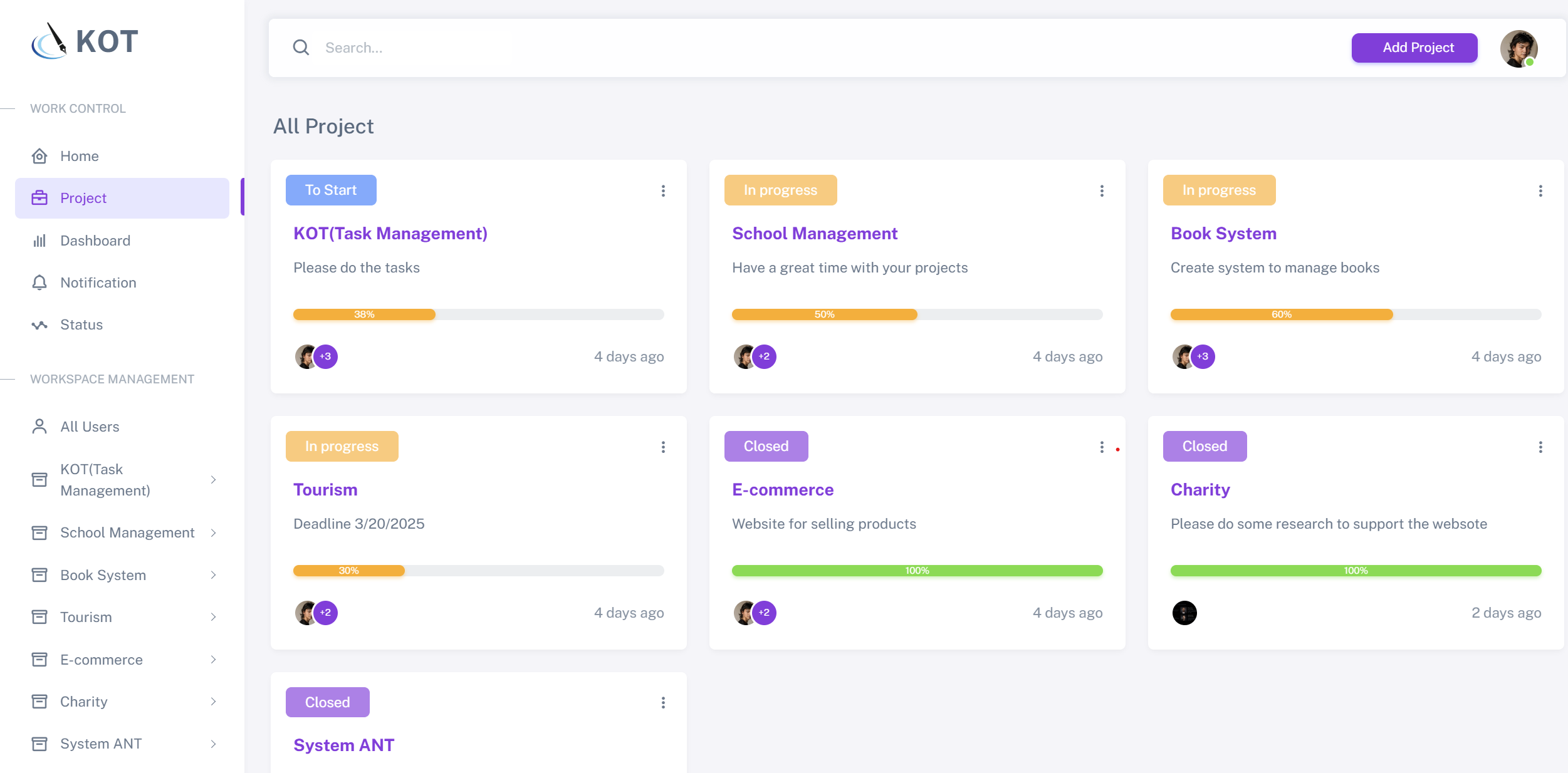
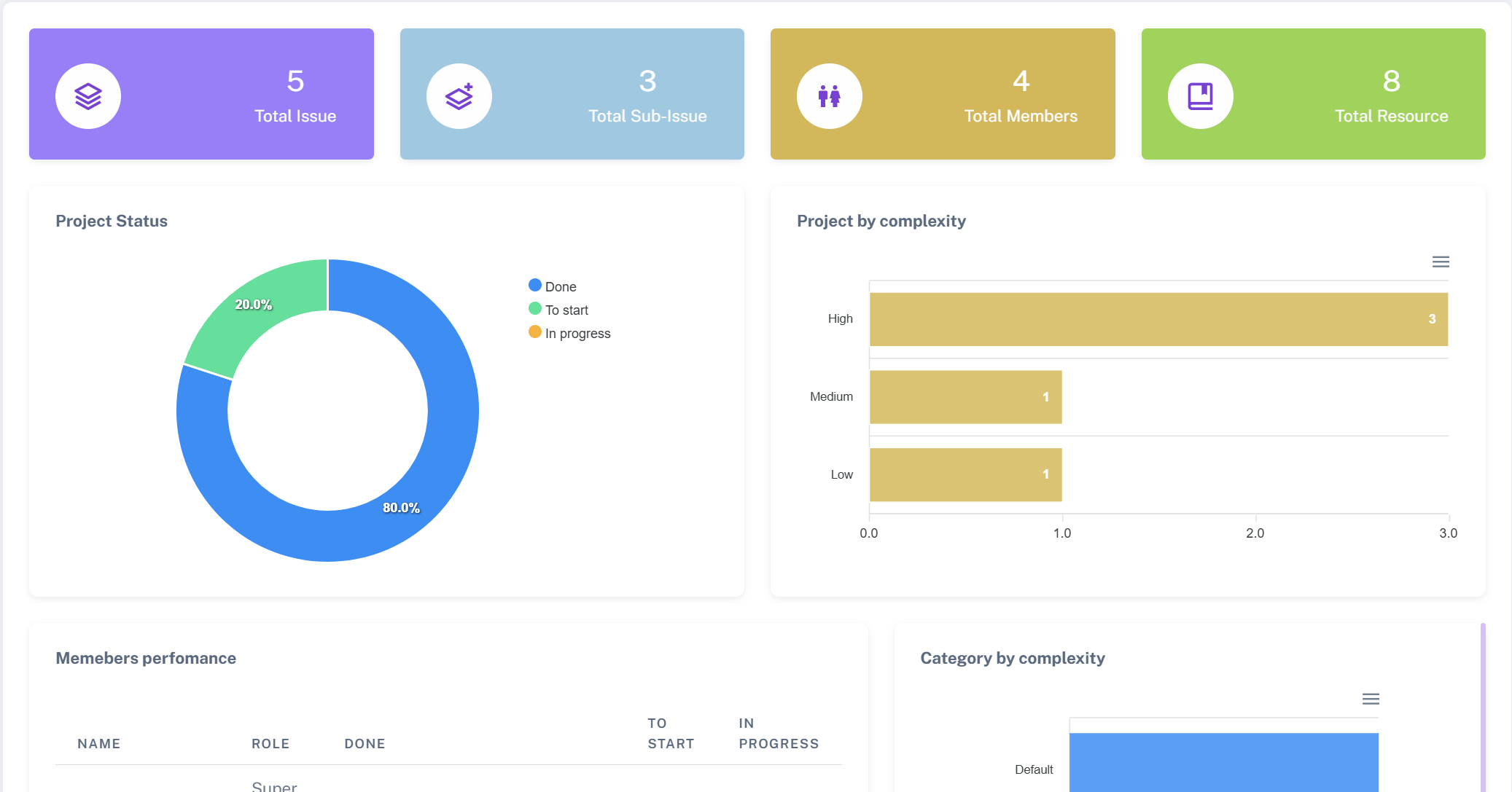
The Home and Dashboard section provides an overview of all active projects, their progress status, and key workspace management tools. Users can quickly access project statistics, track tasks, and manage workspace activities efficiently. The dashboard includes key metrics like the number of created, in-progress, and completed projects, along with a categorized folder system for better organization.
The Project and Issue section helps users manage and track their projects efficiently. It provides an overview of all ongoing, upcoming, and completed projects with clear status indicators. Users can monitor project progress, deadlines, and assigned team members. The system categorizes projects into different statuses like "To Start," "In Progress," and "Closed" to ensure better workflow management. Additionally, team collaboration features allow users to stay updated on tasks and issues within each project.
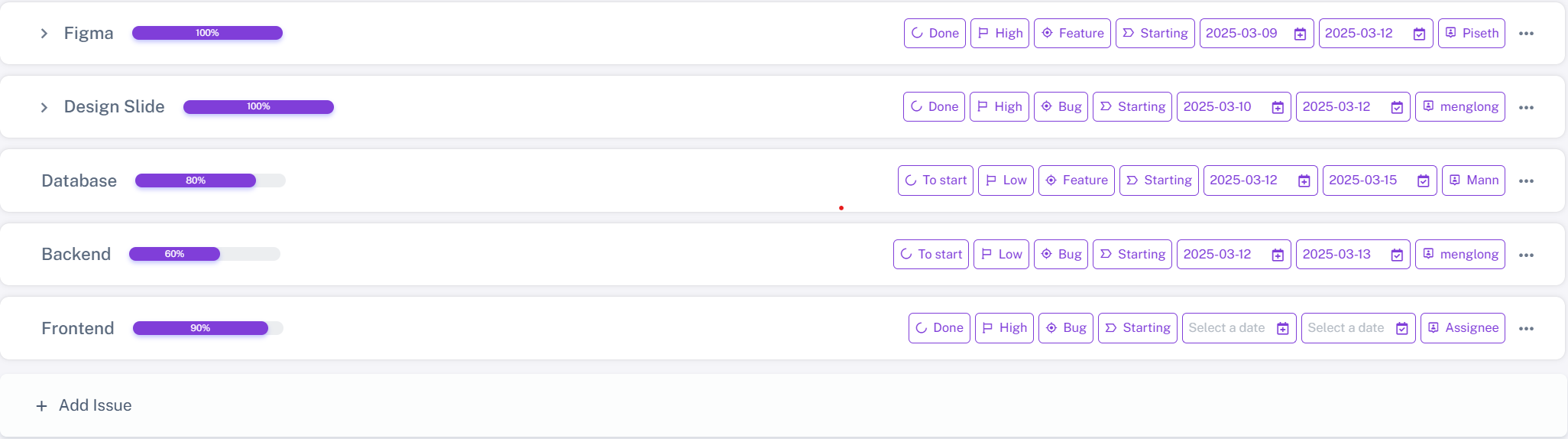
Efficient isuue tracking. Issue are categorized by priority, type, and status, allowing users to assign tasks, set deadlines, and update statuses for workflow and collaboration.
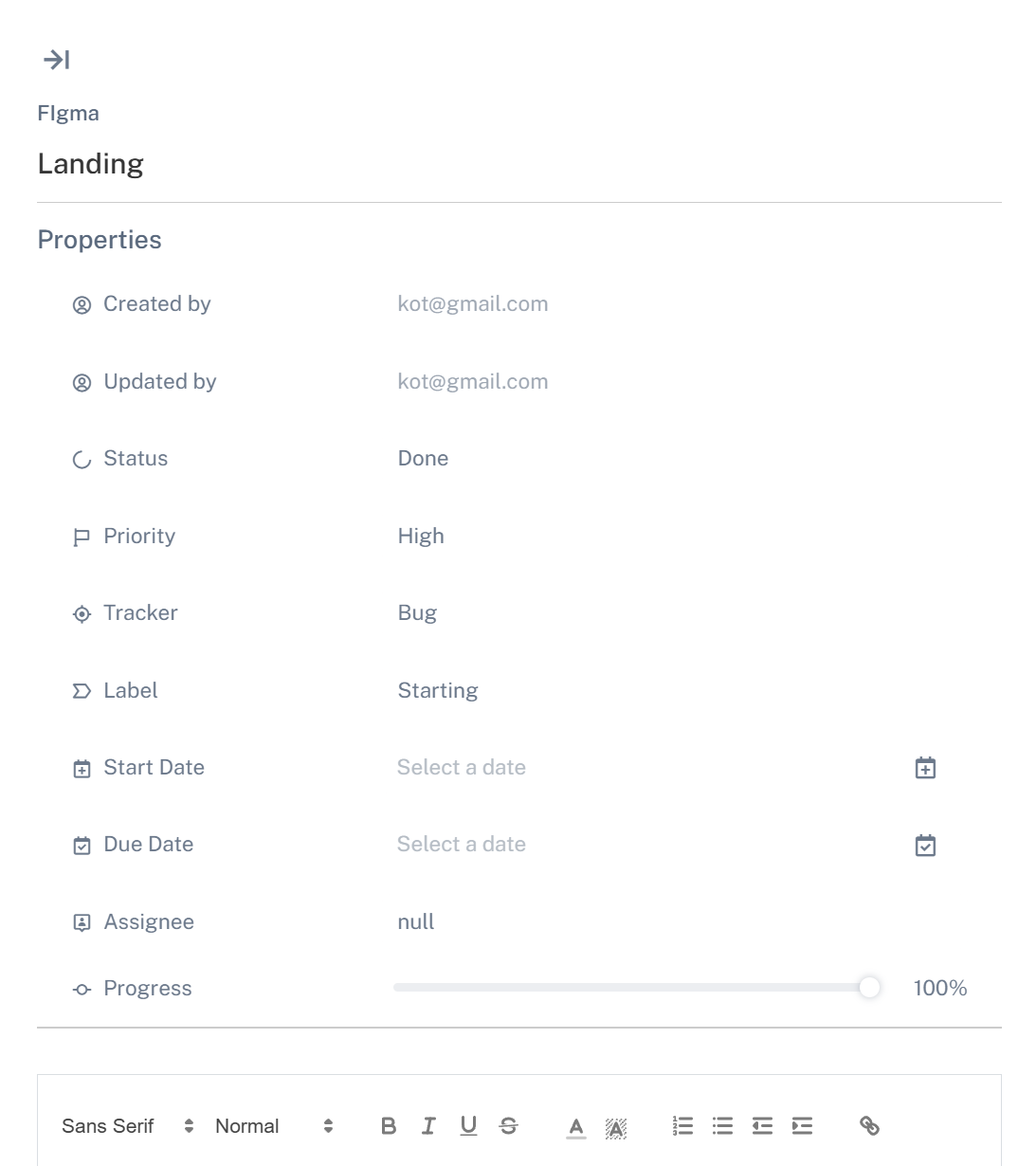
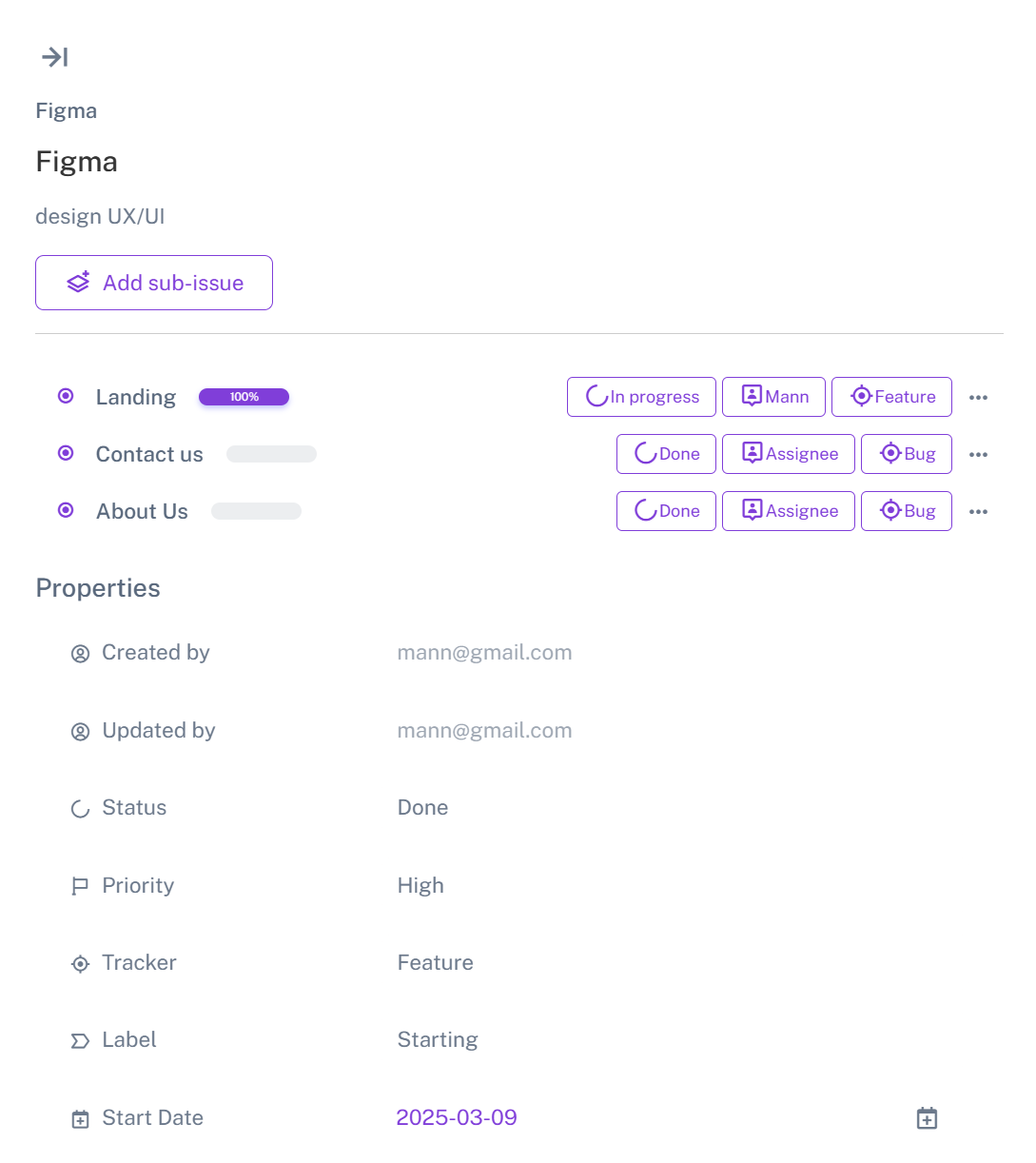
The Sub-Issue Tracking section helps users organize complex tasks by breaking them into smaller, manageable issues. Each sub-issue can be assigned a priority, deadline, and status to ensure clear progress tracking. This improves workflow efficiency, enhances collaboration, and ensures tasks are completed on time.
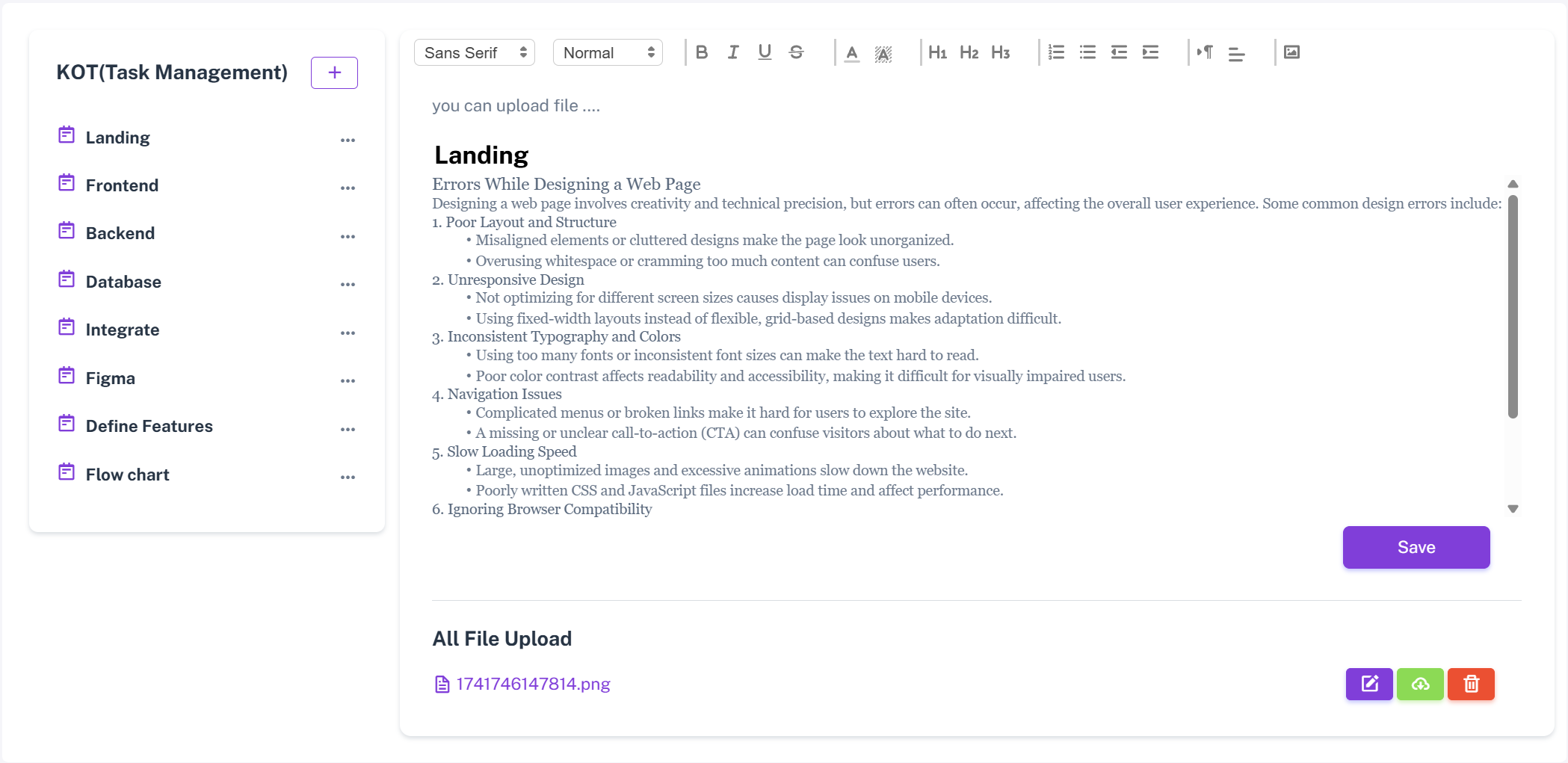
The platform helps users manage tasks, set priorities, and track progress in real time. It allows users to create, store, and edit notes or documents with formatting, attachments, and collaboration features. The platform also provides guides, templates, and interactive dashboards to improve workflow, visualize tasks, and boost productivity to achieve goals.